

Set the train, validation and test split
A model learns from some images and is judged on others it has never seen. The data division of each image says which part it belongs to: training, validation or test. Leave it to the platform, which shares the images out at random when you train, or decide it yourself for the images that matter.
What you will learn
- What the training, validation and test sets are for
- How to assign a division to many images at once, or to one
- How the division is used when you train
Before you start
You need a dataset with images. Selecting images in the grid is explained in Browse, filter and select images.
1. Read the division of the dataset
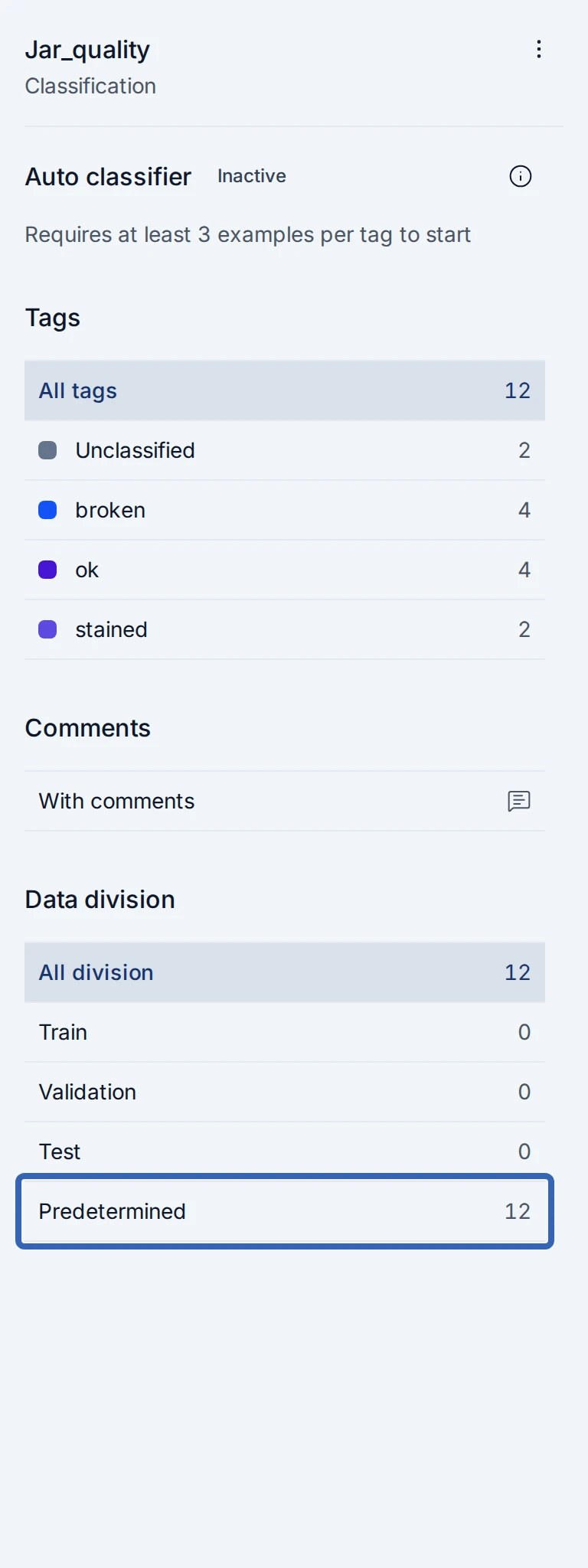
Open the dataset and click «Labeling». «Data division», on the right, counts the images in each set: «Train» teaches the model, «Validation» checks it while it trains, «Test» judges the finished model with images it never saw. New images are «Predetermined»: the platform assigns them when you train.
2. Select the images
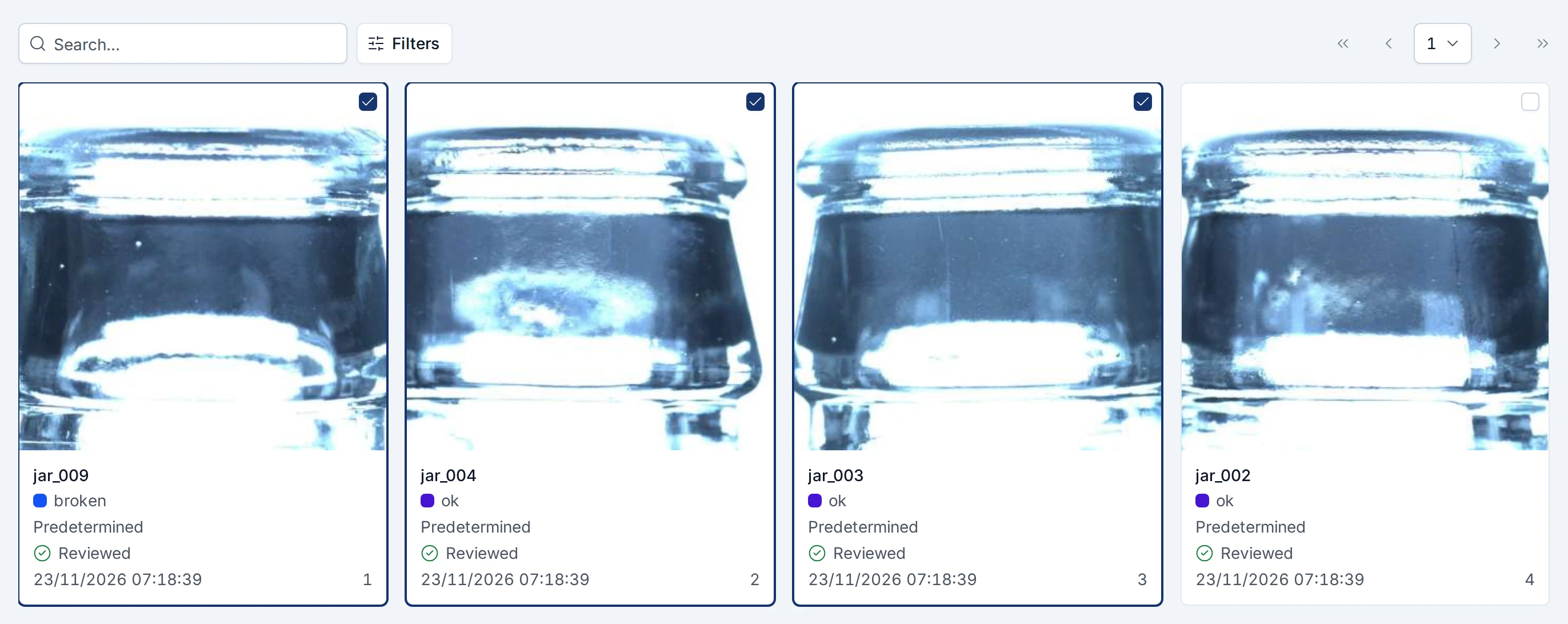
Tick the images you want to set aside, here three jars to test the model with. A test set chosen by hand is useful when some cases must always be checked, such as a defect that is rare.
3. Choose the set
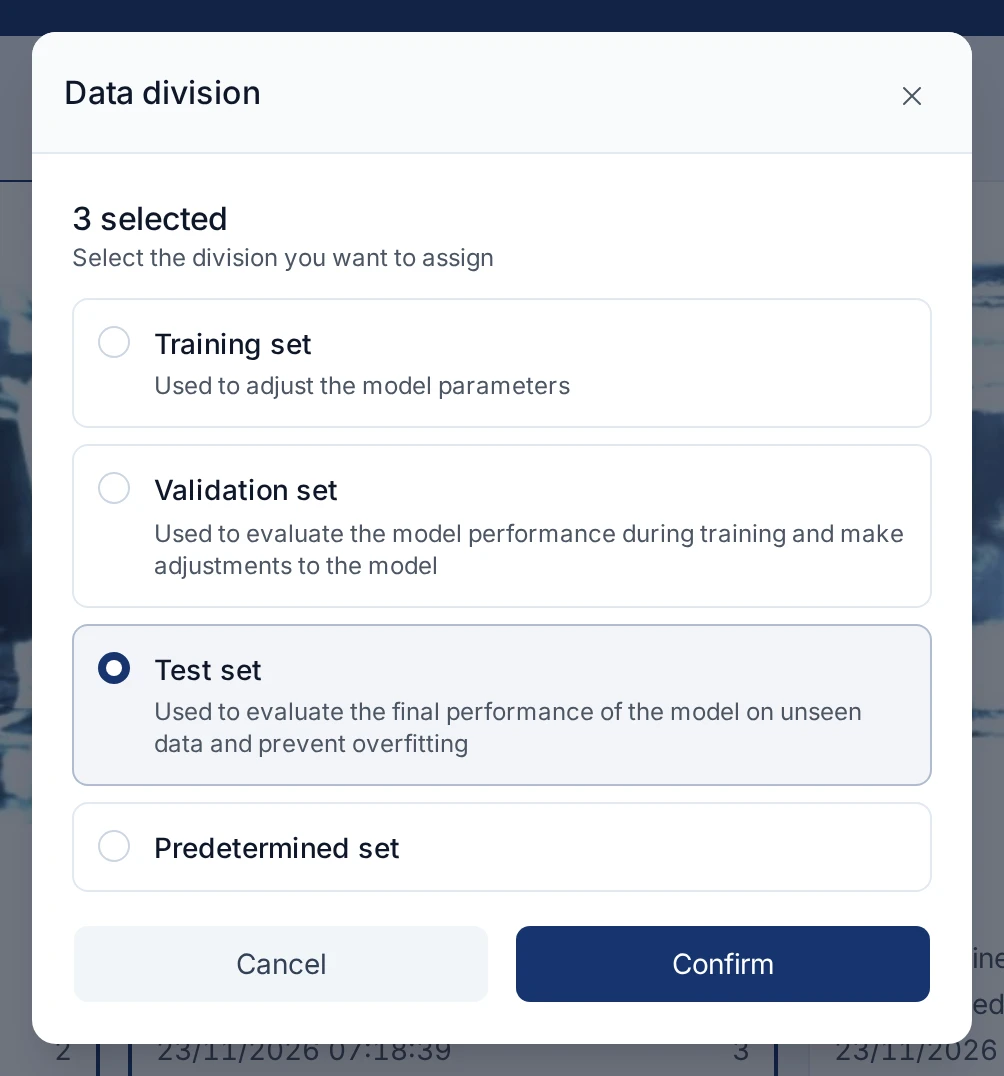
In the bar at the bottom, click «Assign» and then «Data division». Choose the set the images go to and click «Confirm».
4. Confirm
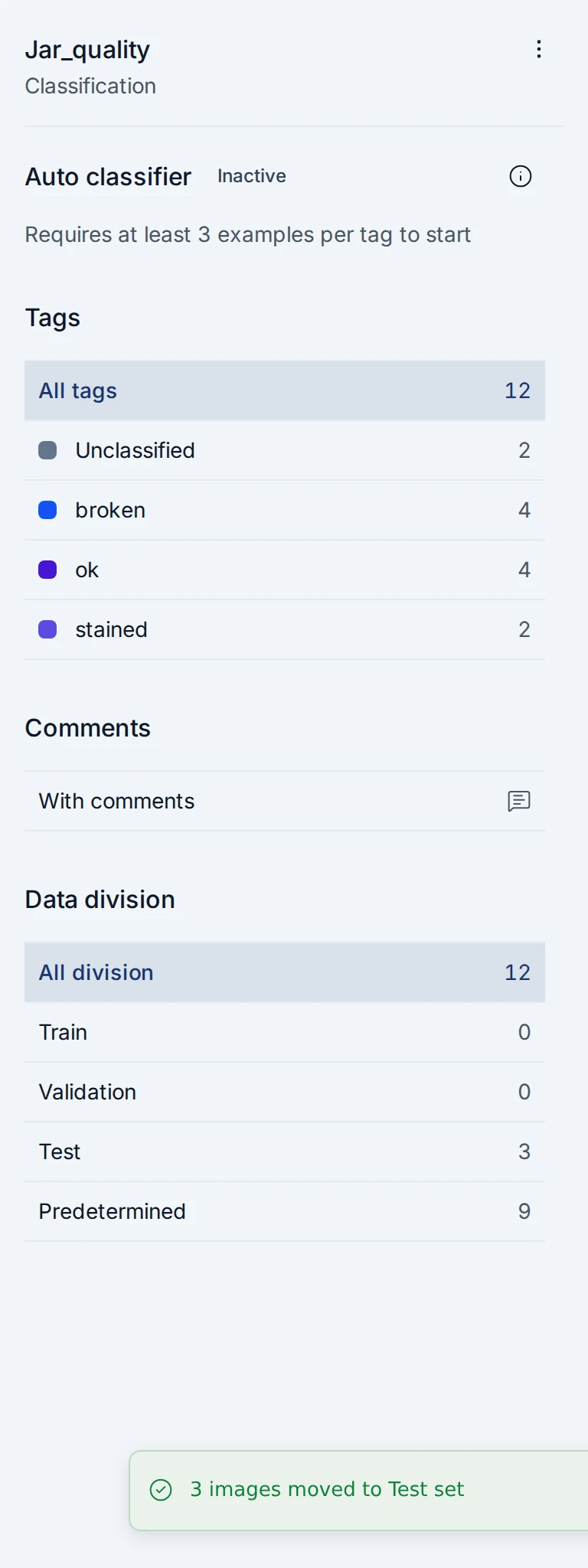
Click «Confirm». The counts on the right show the images in their new set. You can change the division of any image again at any time.
5. Change one image
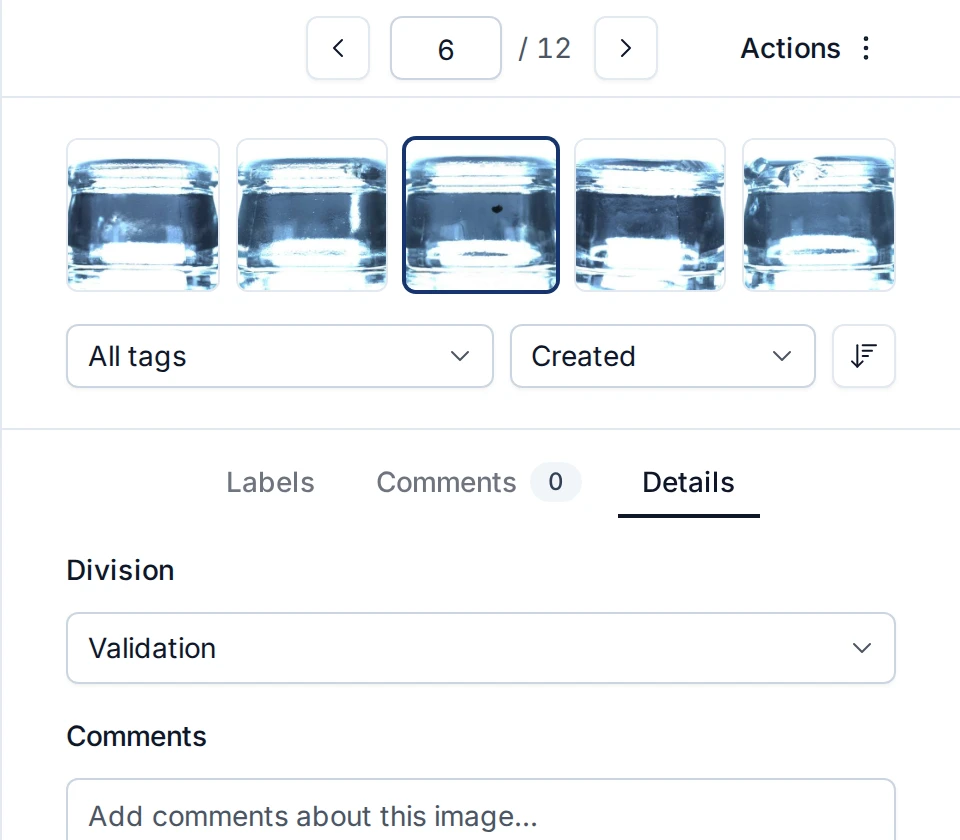
To change one image, open it and go to the «Details» tab, on the right. «Division» shows its set; choose another one and it is saved at once.
How training uses the division
When you train a model, «Data division» offers two ways:
- Current labeled uses the set of each image as it is in the dataset. Images still «Predetermined» are left out.
- Auto assignment, the default, shares the images out at random, 80 % to training, 10 % to validation and 10 % to test unless you move the sliders. When some images already have a set, it asks whether to share out only the «Predetermined» ones or all of them.
«Save data division», when training, writes the automatic split into the images, so the next training can use the same one.
Images marked as pending are left out of the training, except in classification and anomaly detection datasets. In «Upload», «Image destination» can also give a division to the images as they arrive.
Next steps
Recorded on Rosepetal release 1.8.15.